Let's get started with Derivita - already directly integrated into your Canvas LMS!No additional passwords or logins required.
Every CCSD teacher has access to the Derivita platform.
Derivita can be used to create homework assignments, unit tests, SC Ready Checkpoints, Benchmarks, SpotChecks for quick formative assessments, and more!
Access written and video resources for both 3rd-5th grade teachers and SPED Teachers on utilizing accommodations while using Derivita with Canvas here:
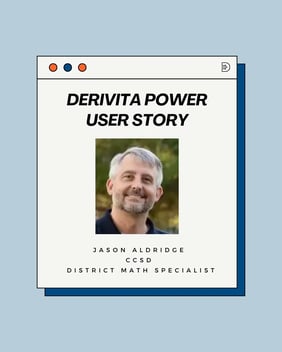
Check out Jason Aldridge's experience with the Derivita platform, the district's choice to expand the use of Derivita, and working with Derivita's representative, Sherri Abel, at the district level.
“I think once they've [CCSD Teachers] realized, and dug into it, how much they have their fingertips- it's [Derivita] just really well received. So we have seen a lot of teachers using it, especially to start off the school year”.
Jason Aldridge, Secondary Math Instructional District Specialist
“My students actually begged me to do more SpotChecks, and we even made games out of it. When I left the classroom this year, one of the first things I knew I needed to do was get Derivita into the hands of my teachers.”
CCSD Teacher
“I love giving Derivita assignments — homework, quizzes, tests — because the questions randomize for each student.”